Review stock in one place
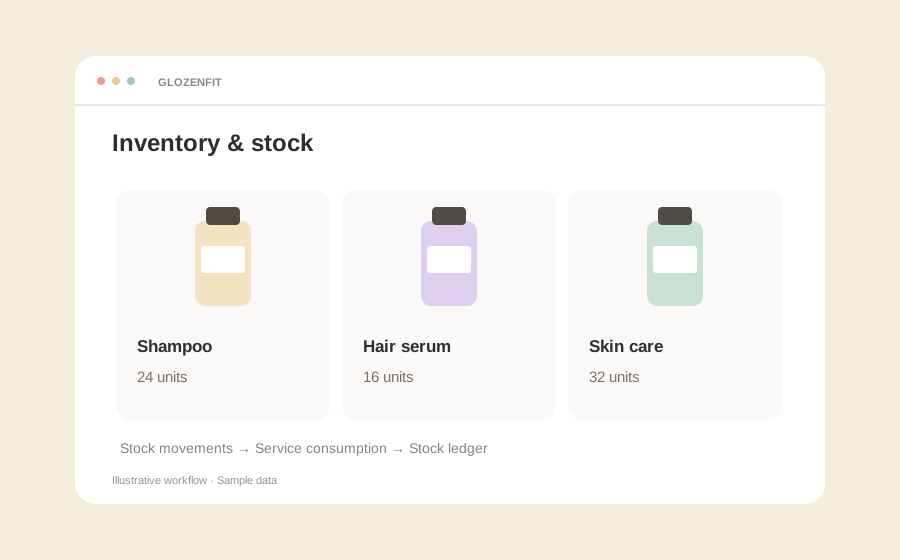
Use the inventory dashboard to review your salon’s stock. Give stock checks a consistent record instead of relying on separate notes.
Keep a clearer record of the products your salon holds and uses, alongside the services your team delivers.
Use the inventory dashboard to review your salon’s stock. Give stock checks a consistent record instead of relying on separate notes.
Review the inventory ledger to understand changes in stock quantities. Use movement records to investigate differences during a physical stock check.
Configure product consumption for services and track the associated stock usage. Review your setup during onboarding so quantities reflect how your salon uses products.
Set up the products and stock quantities you need to track.
Configure product consumption for the relevant services.
Review stock movements and compare records with physical stock checks.
Let’s show you how GlozenFit brings your everyday work together.